
What is ALGoCtl?
ALGoCtl is a small command line tool - AL-Go for GitHub Control CLI - that I have built to automate the things I keep doing by hand when working with AL-Go for GitHub repositories. It is open source and lives here: https://github.com/Freddy-DK/ALGoCtl.
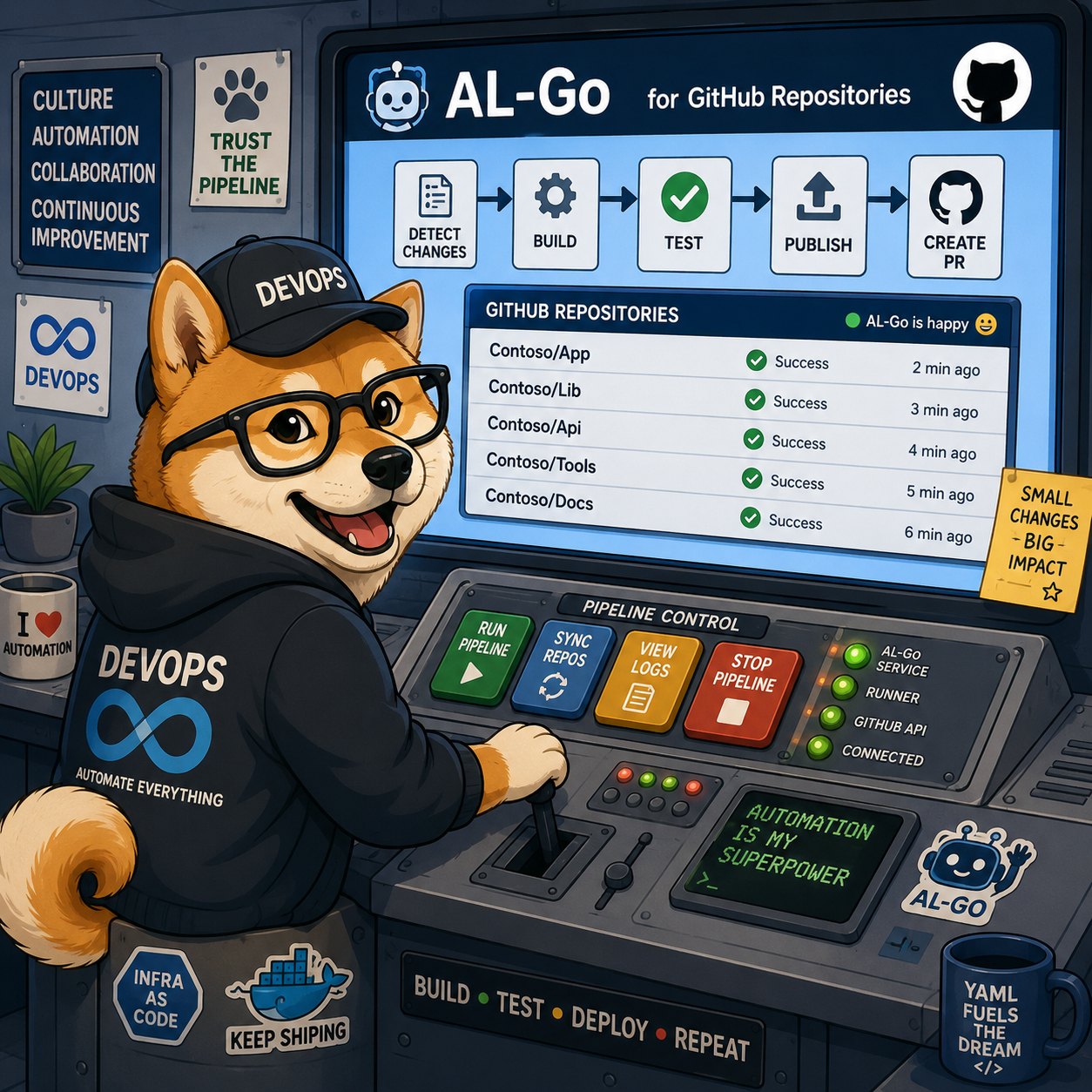
Right now it does three things: CreateRepo, UpdateRepo and CreateRelease.
- CreateRepo - create an AL-Go for GitHub repo based on a template.
- UpdateRepo - update AL-Go for GitHub system files based on a template.
- CreateRelease - create a release in an AL-Go for GitHub repo.
So yes, the ALGoCtl image above is a bit overpromising, but hey, who knows where it ends…
Why not just use GitHub???
Good question. For most of this, you can just use GitHub - create a repo from a template in the UI, run Update AL-Go System Files from the Actions tab, cut a release from the Releases page. That works fine, but has a few shortcomings, which cannot be solved in AL-Go for GitHub. The reason ALGoCtl exists is to cope with these shortcomings and the fact that some of these things get painful the moment you leave github.com - and that they are no fun to do 20 times in a row. If you have been following along, you know I have been working on getting AL-Go for GitHub to run on GHE.com (GitHub Enterprise Cloud with data residency), and a couple of the steps there simply don’t work the way they do on github.com. ALGoCtl fills those gaps.
Installing
ALGoCtl is available on NuGet as a dotnet tool: https://www.nuget.org/packages/ALGoCtl/
dotnet tool install --global ALGoCtl
Every command has a --help, so if you forget the options you can always ask.
CreateRepo
algoctl createrepo - create a new repository from a template repository.

Usage:
    algoctl createrepo --repo <owner/repo|url> [--ghuser <user>] [options]

Options:
    --templaterepo <owner/repo|url>   Template repository to copy content from.
                                      Short form (owner/repo) defaults to github.com;
                                      a full URL may target a GitHub Enterprise host.
                                      Default: https://github.com/Freddy-DK/AL-Go-PTE
    --templateghuser <user>           GitHub CLI account to use for reading the
                                      template repository. Default: the active account
                                      on the template host, or unauthenticated if none.
    --repo <owner/repo|url>           The repository to create. Short form defaults
                                      to github.com. (required)
    --ghuser <user>                   GitHub CLI account to use for creating the
                                      repository. Default: the active account on the
                                      target host.
    --visibility <private|internal|public>
                                      Visibility of the new repository.
                                      Default: private
    --confirm                         Skip the interactive confirmation prompt.
    --help, -h                        Show this help.
CreateRepo creates a new repository from a template repository - by default https://github.com/Freddy-DK/AL-Go-PTE. You point it at a template, point it at the repo you want to create, tell it which GitHub CLI account to use, and it does the rest.
The interesting part is what it does that the GitHub UI can’t:
- It works on GitHub Enterprise with data residency. Normally you cannot use a template from github.com on freddydk.ghe.com - the two live in separate worlds. CreateRepo bridges that, so you can seed a repo on your enterprise from a template on github.com.
- It updates the templateUrl. When you create a repo from an indirect template repository (which is the recommended way to do it on GHE.com - see the previous post), the templateUrl needs to point at the right place afterwards, so Update AL-Go System Files keeps working. CreateRepo takes care of that for you.
UpdateRepo
algoctl updaterepo - update an existing repository with the AL-Go system-file
update workflow from a template repository, then run that workflow.

Only the .github/workflows/UpdateGitHubGoSystemFiles.yaml file is copied; no
other content from the template is touched.

Usage:
    algoctl updaterepo --repo <owner/repo|url> --ghuser <user> [options]

Options:
    --templaterepo <owner/repo|url>   Template repository to copy the workflow from.
                                      Short form (owner/repo) defaults to github.com;
                                      a full URL may target a GitHub Enterprise host.
                                      Default: https://github.com/Freddy-DK/AL-Go-PTE
    --templateghuser <user>           GitHub CLI account to use for reading the
                                      template repository. Default: the active account
                                      on the template host, or unauthenticated if none.
    --repo <owner/repo|url>           The repository to update. Short form defaults
                                      to github.com. (required)
    --ghuser <user>                   GitHub CLI account to use for updating the
                                      repository. Default: the active account on the
                                      target host.
    --branches <list>                 Comma-separated list of branches to update, passed
                                      to the workflow's includeBranches input. Wildcards
                                      are supported. Default: main
    --confirm                         Skip the interactive confirmation prompt.
    --help, -h                        Show this help.
UpdateRepo runs Update AL-Go System Files for you, but it does one extra thing first:
- It copies UpdateGitHubGoSystemFiles.yaml from the new template repo before running the update. This matters for two reasons - to avoid breaking changes in the update workflow itself, and to cope with AL-Go versions that have been deleted. If the workflow file in your repo is old, running the update on GitHub might try to invoke actions which no longer exist or are no longer supported. Grabbing the fresh yaml file from the template first makes the whole thing a lot more robust.
- It then invokes the Update AL-Go System Files workflow using your GitHub account.
CreateRelease
algoctl createrelease - run the AL-Go CreateRelease.yaml workflow in an
existing repository to promote a build to a GitHub release.

Usage:
    algoctl createrelease --repo <owner/repo|url> --ghuser <user> --name <name> --tag <tag> [options]

Options:
    --repo <owner/repo|url>           The repository to create the release in. Short form
                                      defaults to github.com. (required)
    --ghuser <user>                   GitHub CLI account to use for running the workflow.
                                      Default: the active account on the target host.
    --branch <branch>                 Branch (ref) to run the workflow on.
                                      Default: the repository's default branch.
    --name <name>                     Name of this release. (required)
    --tag <tag>                       Tag of this release; must be a semantic version
                                      string (https://semver.org, e.g. 1.0.0). A pattern
                                      ending in '*' (e.g. 1.0.*) resolves to the latest
                                      matching tag with its patch incremented, or the
                                      first one (e.g. 1.0.0) when none exist. (required)
    --buildversion <version>          Build version to promote to release.
                                      Default: latest
    --releasetype <Release|Prerelease|Draft>
                                      Release, prerelease or draft? Default: Release
    --createreleasebranch             Create a release branch. Default: false
    --releasebranchprefix <prefix>    Prefix for the release branch. Used only if
                                      --createreleasebranch is set. Default: release/
    --updateversionnumber <version>   New version number in the main branch. Use
                                      Major.Minor (optionally add .Build for versioning
                                      strategy 3) for an absolute change, or +1, +0.1
                                      (or +0.0.1 for versioning strategy 3) for an
                                      incremental change. Default: (none)
    --skipupdatingdependencies        Skip updating dependency version numbers in all
                                      apps. Default: false
    --directcommit                    Direct commit? Default: false
    --useghtokenworkflow              Use GhTokenWorkflow for PR/commit? Default: false
    --confirm                         Skip the interactive confirmation prompt.
    --help, -h                        Show this help.
CreateRelease creates a release in an AL-Go for GitHub repo. Two things are worth calling out here:
- Wildcard tag resolution. If
--tagends in*(e.g.1.0.*), ResolveTag queries the repo’s existing tags via the GitHub API, finds the highest matching one, and increments it. So you don’t have to go look up what the last release was - you just say “give me the next 1.0.x” and it figures it out. - Input validation, so you get a clear error up front instead of a half-created release.
What’s next?
This is very much a “scratch my own itch” tool - it does what I needed, when I needed it, and I will likely extend it whenever I hit the next thing.
It’s Open Source, so if you are missing something, create an issue or a PR. And if you find it useful, please consider sponsoring me to keep tools like this alive.
Enjoy
/Freddy