Image
-
July updates are out – they are the last on-premises docker images
Update 2021/2/10: BcContainerHelper has replaced NavContainerHelper. This blog post still reference NavContainerHelper, which is outdated. Business Central and NAV July 2020 on-premises updates was published over the weekend and this is going to be the last on-premises version of Business Central and NAV released as a docker image. The existing docker images will stay on mcr.microsoft.com for some time still, but no new on premises images will be added. If this is news to you, you should read https://freddysblog.com/2020/06/25/changing-the-way-you-run-business-central-in-docker/ and...
-
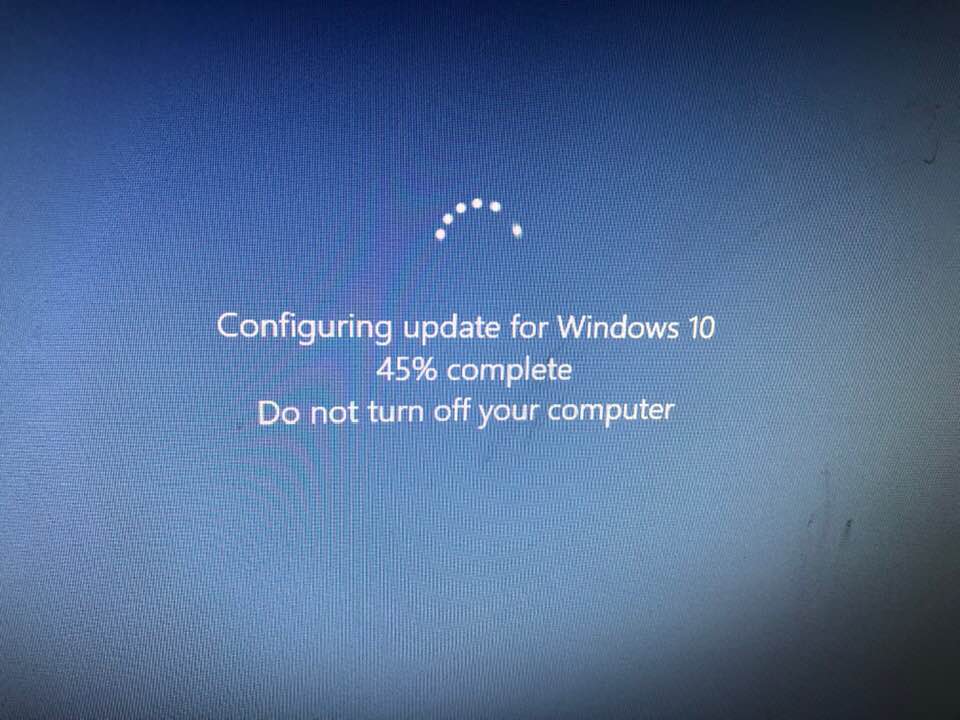
Windows 10 1903 (and Business Central Containers)
Update 2021/2/10: Microsoft stopped creating images for Docker in the summer of 2020. We now publish artifacts, which can be used to spin up containers and BcContainerHelper has replaced NavContainerHelper. This blog post reflects the old way of using NAV/BC on Docker and references NavContainerHelper, which is outdated. Some weeks ago, I read about Windows 10 1903 in a blog post from Mike Fortin here: https://blogs.windows.com/windowsexperience/2019/04/04/improving-the-windows-10-update-experience-with-control-quality-and-transparency. Since general rolllout wasn’t until May, I decided to wait until after Directions NA...
-
The BingMaps Extension (and some tips and tricks)
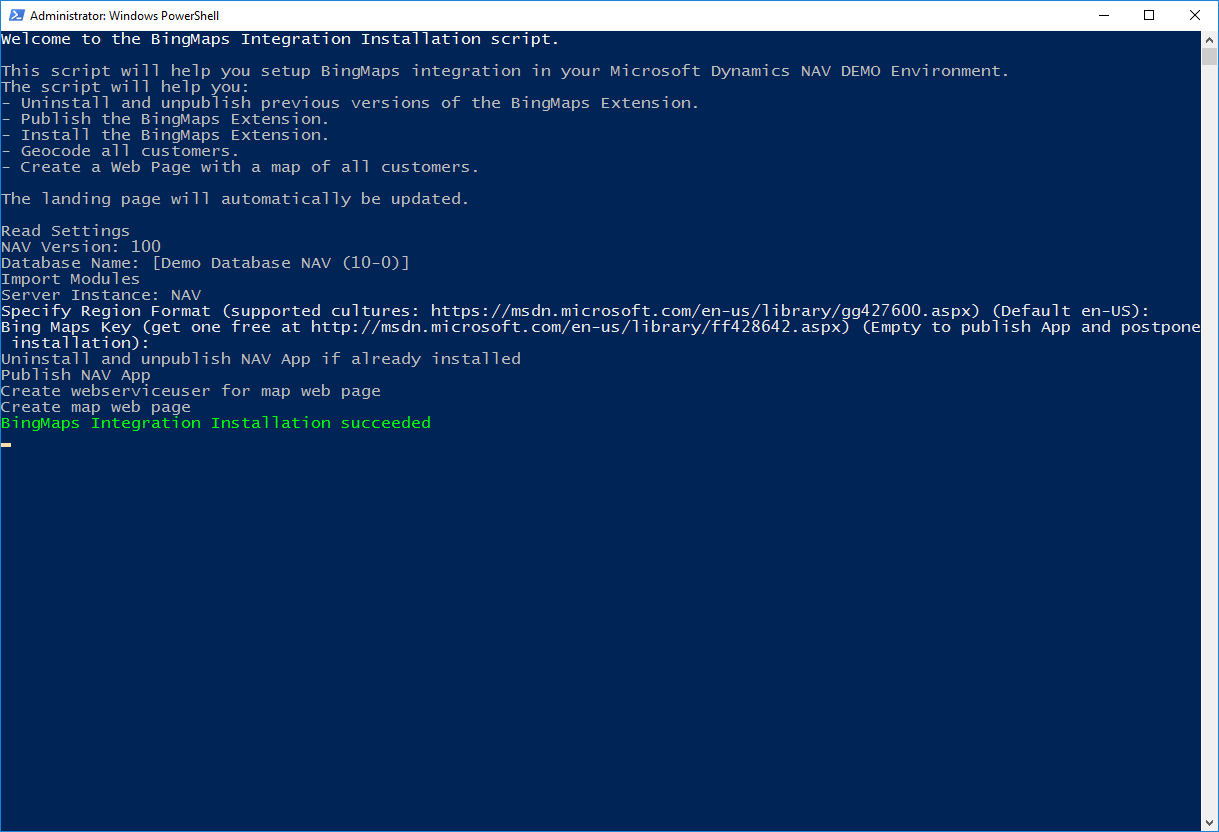
On the Azure VM, you will find a couple of extensions: BingMaps, O365 and MSBand. These extensions are primarily there in order to show how you would do certain things in extensions. It is my intention to create an app in AppSource for each of these apps as well when time allows. In this post, I will describe how the BingMaps extension was built and how it works. Publishing the BingMaps extension When you deploy a DEMO environment using http://aka.ms/navdemodeploy you will...
-
NAV 2017 CU2 on Azure
Microsoft Dynamics NAV 2017 CU2 will be released any minute now (it is being deployed to Microsoft Download Servers while I am writing this post), but for once, the Azure Image made it before the MSDN download pages. The Image is now available in the classic portal and with http://aka.ms/navdemodeploy. The image will be available in the new portal in a few days. Note: This blog post doesn’t describe what’s new in NAV 2017CU2, you can read about that on...
-
http://aka.ms/navdemodeploy – under the hood
You might be wondering what actually is happening when you navigate to http://aka.ms/navdemodeploy, so I thought I would lift the hood and show you what is underneath. Short URL As you probably know, the aka.ms Short URL’s are just simple redirects and the navdemodeploy is redirecting to: https://portal.azure.com/#create/Microsoft.Template/uri/https%3A%2F%2Fraw.githubusercontent.com%2FNAVDEMO%2FNAV2017%2Fmaster%2Fdeploydemo.json Looking a little closer, this is actually just asking the Azure Portal to create a deployment based on the Microsoft Template on this Uri: https://raw.githubusercontent.com/NAVDEMO/NAV2017/master/deploydemo.json If you read the blog post about...
-
The Microsoft Dynamics NAV Image in the Azure Gallery
By now, we have had a Microsoft Dynamics NAV Image in the public Azure Gallery for 1-2 years and just last week, we shipped the Microsoft Dynamics NAV 2017 image and also the Microsoft Dynamics NAV 2016 Cumulative Update 13 is now available in the gallery. What is it? In essence, it is just a Windows Server 2012R2 with Microsoft Dynamics NAV and SQL Express pre-installed, but there is of course more to it than that. The Image also contains...