
What is Fkh (Freddy's Kubernetes Helper)
If you have followed my work over the years, you know that I have spent a lot of time making it easier for people to run and develop Business Central in containers. First with Business Central on Docker, then with NavContainerHelper and BcContainerHelper. Those tools have served the community incredibly well - but the world has moved on, and it is time for something new.
That something new is Fkh - Freddy’s Kubernetes Helper.
Why did I create Fkh?
There are a couple of very concrete reasons why I decided to build Fkh.
First of all, BcContainerHelper is being deprecated as of October 1st, 2027. It has served the community incredibly well, but it is built on a foundation - Docker running locally on your machine - that fewer and fewer people are able or willing to rely on.
Secondly, Docker requires admin access to your computer, and a growing number of people and companies are moving away from handing out local admin rights - whether that is because of security concerns, corporate policies, or simply because not everyone wants (or is allowed) to run a full container engine on their laptop. All of this makes the local Docker model a harder and harder sell.
On top of that, running Docker containers locally has become increasingly unstable on Windows Desktop computers. The same containers, however, still run very well on Windows Servers, giving people this love/hate relationship with docker, which many people can recognize when running locally.
Lastly, I had a customer, who needed to solve all of these problems.
So…, Fkh solves all of these issues. With Fkh, you can work with Business Central containers without Docker and without BcContainerHelper. The containers no longer run on your machine - they run in Kubernetes in your own Azure subscription, and you talk to them from VS Code, Cursor, a CLI, a Web app or directly from GitHub Actions.
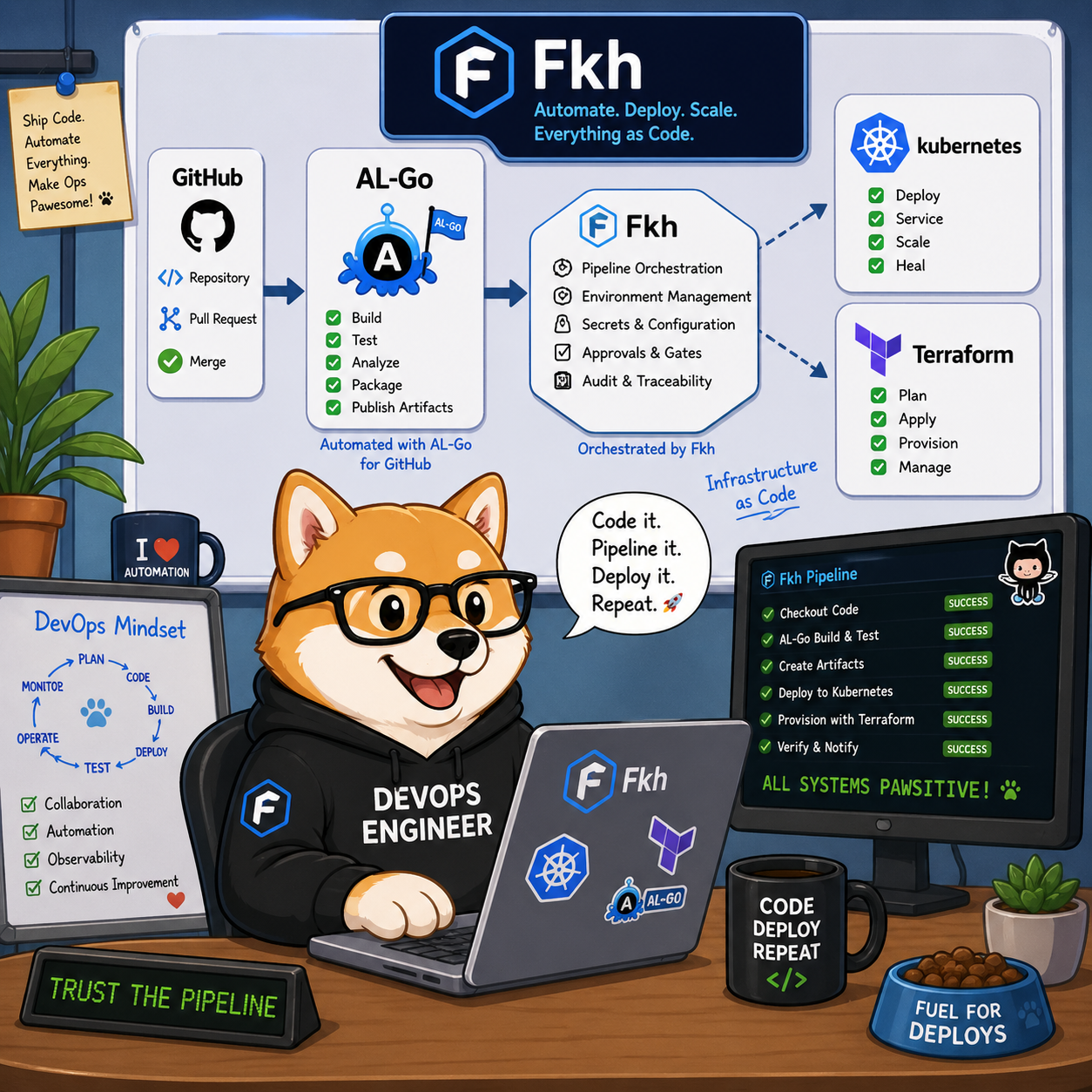
Fkh integrates nicely with AL-Go for GitHub and reads settings files to understand project structure, artifacts usage etc.
Creating a development container for an AL-Go project is a one-click operation in AL-Go for GitHub.
Smaller laptops, and even Codespaces
Because the heavy lifting happens in the cloud, you no longer need a beefy developer machine to work with Business Central. You can use smaller, handier laptops - and you can even do all of your development from GitHub Codespaces, entirely in the browser.
That is a fundamental shift. Your development environment is no longer tied to a single, powerful, admin-enabled machine. It goes wherever you go.
The one-stop tool for local development
My ambition with Fkh is bigger than just spinning up containers. Fkh is going to be the one-stop tool for everything around local development. Today, you can create and manage containers, publish apps, run scripts, edit files, restore databases, manage users, and much more - all from VS Code, the CLI, or your pipelines.
No humanly generated secrets
One thing I am particularly proud of is the security model. Fkh uses GitHub for authentication and authorization, and the whole solution is set up using managed identities and federated credentials.
That means there are no certificates to cycle and no secrets to renew. In fact, the solution requires no humanly generated secrets at all. This removes an entire category of security risk and operational headache - no more forgotten secret expiry dates taking down your setup at the worst possible time.
Why Open Source?
Fkh is Open Source, and that is a very deliberate choice.
Transparency matters. When the code is out in the open, you can see exactly what it does, how it authenticates, and how it handles your infrastructure and your data. Nothing is hidden.
Just as important, being Open Source makes Fkh vendor-independent and avoids vendor lock-in. You run it in your own Azure subscription, you own your setup, and you are never at the mercy of a single vendor’s roadmap or pricing. If you ever need to take it in a different direction, the code is right there for you.
Obviously, just because it is Open Source, it isn’t without a cost. I hope you will consider sponsoring me or setting up a support service agreement to keep this project alive and thriving.
What’s next?
This post is just the introduction - the what and the why. In my next blog post, I will walk through how to get started with Fkh, so you can try it out yourself.
Stay tuned - and in the meantime, feel free to take a look at the project on GitHub: https://github.com/Freddy-DK/Fkh.
Enjoy
Freddy