Azure
-
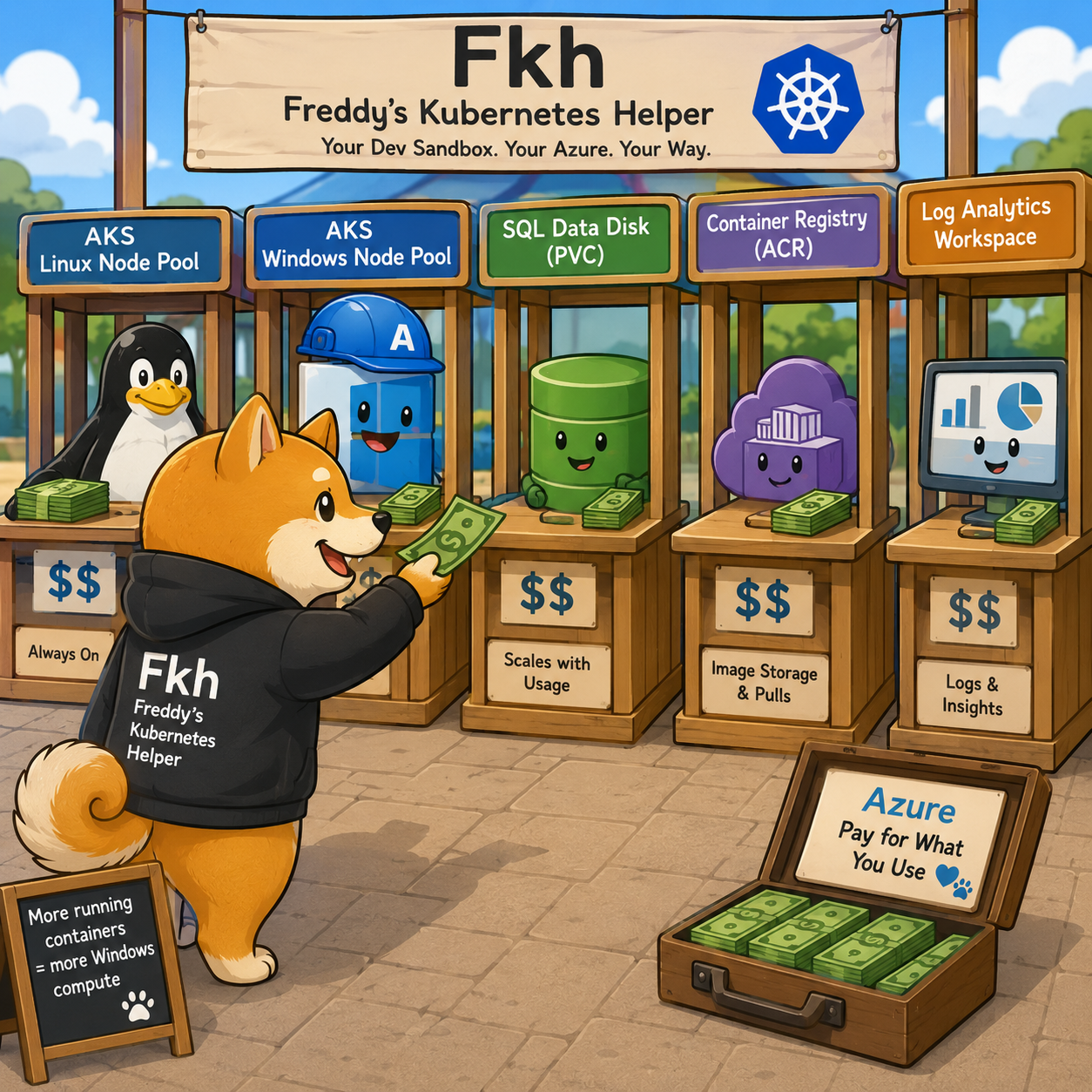
The price of running Fkh (Freddy's Kubernetes Helper)
In my previous post I described the Fkh CLI. One question I get almost every time I show Fkh - Freddy’s Kubernetes Helper is: what does it cost to run? Since Fkh runs entirely in your own Azure subscription, the honest answer is “it depends on your usage” - but that isn’t very helpful, so this post breaks down exactly what has a cost attached, how each part scales as usage grows, and what a realistic monthly bill looks like...
-
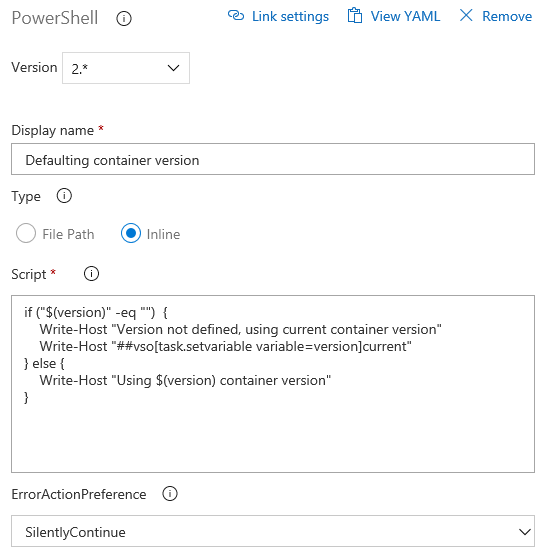
Developing Business Central Extensions (part 5) – YAML
Update 2021/2/10: Microsoft stopped creating images for Docker in the summer of 2020. We now publish artifacts, which can be used to spin up containers and BcContainerHelper has replaced NavContainerHelper. This blog post reflects the old way of using NAV/BC on Docker and references NavContainerHelper, which is outdated. This is part 5 of a blog post series. Part 1 contains all the prerequisites, part 2 is about cloning the project and get your sandbox environment up running, part 3 is...
-
Developing Business Central Extensions (part 4) – Branch Policies
Update 2021/2/10: Microsoft stopped creating images for Docker in the summer of 2020. We now publish artifacts, which can be used to spin up containers and BcContainerHelper has replaced NavContainerHelper. This blog post reflects the old way of using NAV/BC on Docker and references NavContainerHelper, which is outdated. This is part 4 of a blog post series. Part 1 contains all the prerequisites, part 2 is about cloning the project and get your sandbox environment up running and part 3 is...
-
A “new” learning opportunity – the Hackathon at NAVUG Focus 18
Update 2021/2/10: Microsoft stopped creating images for Docker in the summer of 2020. We now publish artifacts, which can be used to spin up containers and BcContainerHelper has replaced NavContainerHelper. This blog post reflects the old way of using NAV/BC on Docker and references NavContainerHelper, which is outdated. I know, a Hackathon is not something new. Hackathons have existed at least half a decade, but how can a Hackathon be a learning opportunity? Typically we see a Hackathon as an...
-
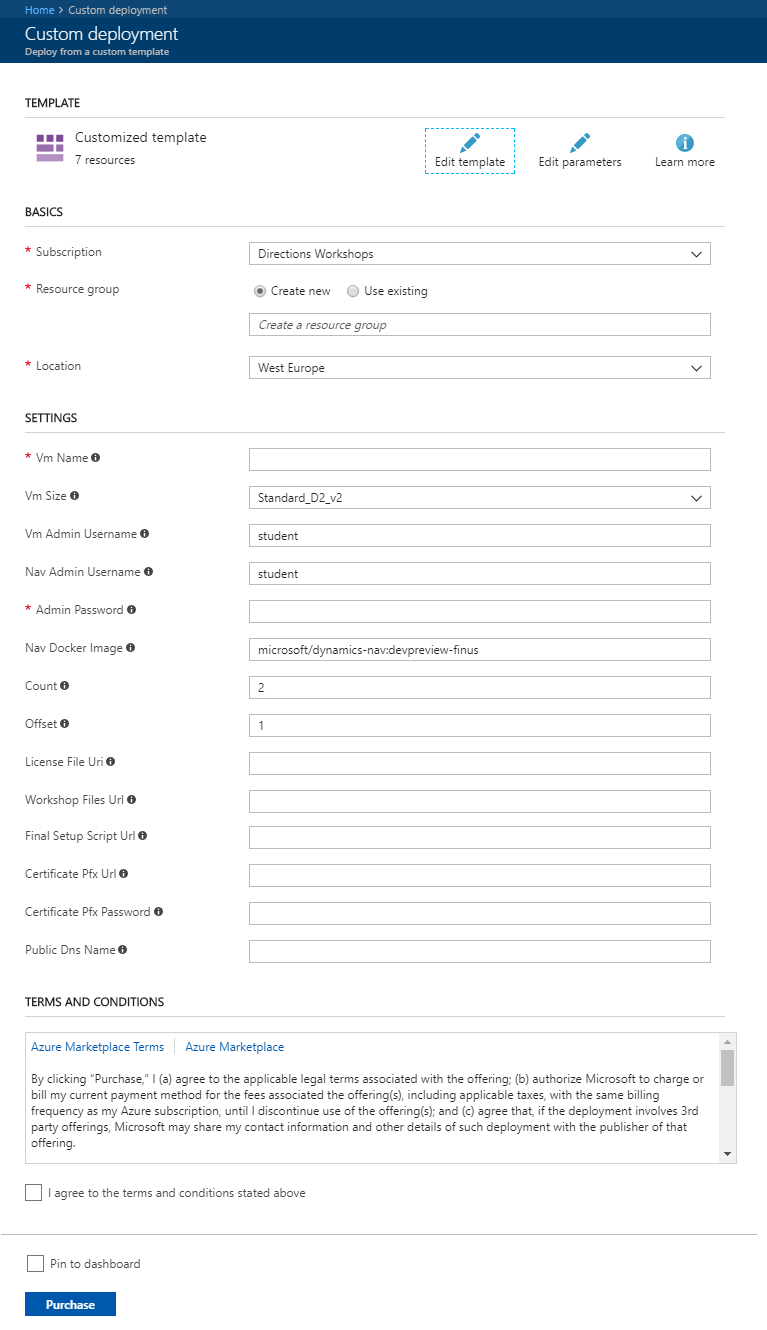
Creating workshop machines on Azure
Update 2021/2/10: Microsoft stopped creating images for Docker in the summer of 2020. We now publish artifacts, which can be used to spin up containers and BcContainerHelper has replaced NavContainerHelper. This blog post reflects the old way of using NAV/BC on Docker and references NavContainerHelper, which is outdated. During Directions US and Directions EMEA, we had to spin up approx. 2000 Azure VMs for our hands on labs. All of these machines was deployed individually from PowerShell (multiple simultaneous jobs,...
-
Multiple ways to run a NAV on Docker image (NAV on Docker #5)
Update 2021/2/10: Microsoft stopped creating images for Docker in the summer of 2020. We now publish artifacts, which can be used to spin up containers and BcContainerHelper has replaced NavContainerHelper. This blog post reflects the old way of using NAV/BC on Docker and references NavContainerHelper, which is outdated. If you haven’t read this blog post, then please do so before continuing here. A lot of examples (like the prior blog post) will use docker run to start a NAV on Docker...
-
1-800-GETNAV (Nav on Docker #4)
Update 2021/2/10: Microsoft stopped creating images for Docker in the summer of 2020. We now publish artifacts, which can be used to spin up containers and BcContainerHelper has replaced NavContainerHelper. This blog post reflects the old way of using NAV/BC on Docker and references NavContainerHelper, which is outdated. What a cool phone number to have if you are a NAV partner in the US. Inspired by that and modernized it to the cloud world, it would be: aka-ms-getnav So here...
-
iOS 10 and self signed certificates
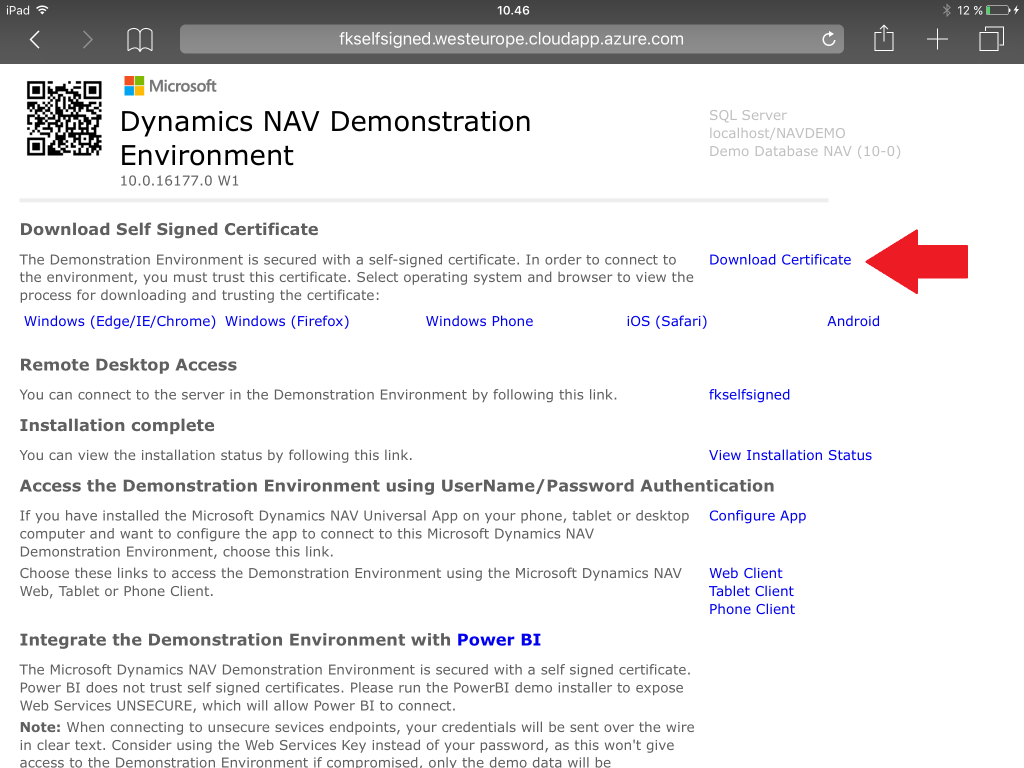
With the release of iOS 10, Apple have changed the way self-signed certificates works and since self-signed certificates are a vital part of the Microsoft Dynamics NAV Demo Environment setup, I thought I would describe how to connect to a Demo Environment, signed by a self-signed certificate from an iPad or an iPhone. It is no longer sufficient to install the profile (self-signed certificate), you also have to trust the certificate… Install the Self-Signed Certificate from the Landing page After...
-
Create a secure Url to a file
In the very last paragraph of this post, I talk about specifying a certificate pfx file as a Url for http://aka.ms/navdemodeploy: The Url needs to start with http:// or https:// and today (while writing this post) this is the only parameter that you need to specify as a secure Url, but I am planning to create more parameters like this: License file Demo Database Extensions All things that you want to have in a secure location and control access to it, while...
-
NAV and Multi Factor Authentication (MFA)
Over the last weeks I have gotten an increasing number of inquiries around MFA. To be honest, I had never tried to setup MFA before, but that didn’t stop me from answering. My typical answer would be the following: NAV itself does not have any knowledge about multi factor authentication, but we do support claims based authentication through authentication providers and if these authentication providers are setup for MFA, then NAV should support MFA through the authentication provider. Having answered the same...
-
How is this perf testing thing actually working?
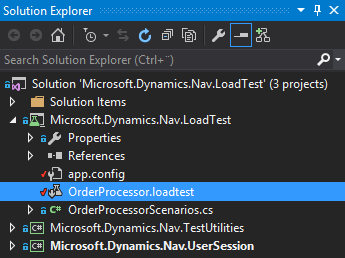
This post is #3 in a series of posts about performance testing. Post #1 was all about setting up an instance of NAV on Azure and get perf tests up running. Post #2 was all about scaling the number of users and running multi-tenancy. But what actually happens when running perf tests? When running a perf test called OpenCustomerList it doesn’t take a lot of thinking to figure out what the test does, but how does it do it? The...
-
The BingMaps Extension (and some tips and tricks)
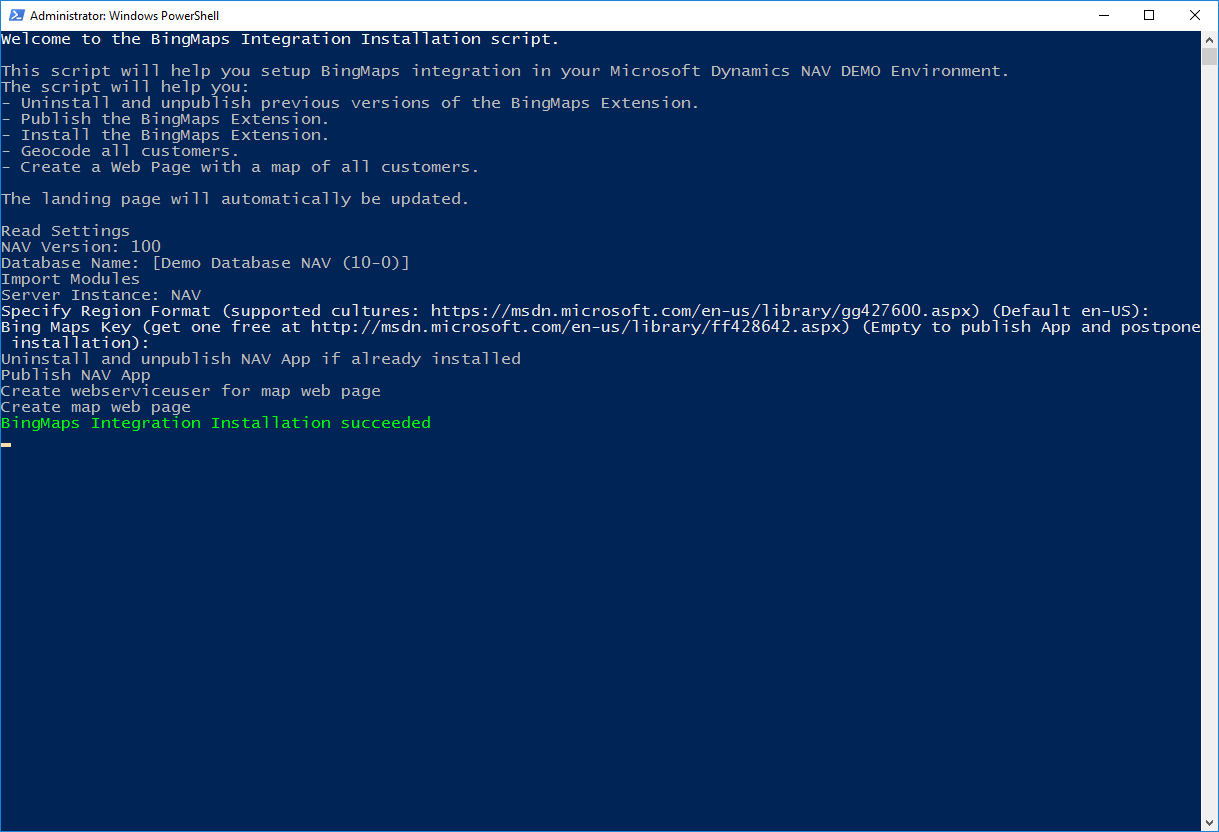
On the Azure VM, you will find a couple of extensions: BingMaps, O365 and MSBand. These extensions are primarily there in order to show how you would do certain things in extensions. It is my intention to create an app in AppSource for each of these apps as well when time allows. In this post, I will describe how the BingMaps extension was built and how it works. Publishing the BingMaps extension When you deploy a DEMO environment using http://aka.ms/navdemodeploy you will...
-
NAV 2017 CU2 on Azure
Microsoft Dynamics NAV 2017 CU2 will be released any minute now (it is being deployed to Microsoft Download Servers while I am writing this post), but for once, the Azure Image made it before the MSDN download pages. The Image is now available in the classic portal and with http://aka.ms/navdemodeploy. The image will be available in the new portal in a few days. Note: This blog post doesn’t describe what’s new in NAV 2017CU2, you can read about that on...
-
Perf testing with multiple users
This post is #2 in a series of posts about performance testing, please make sure you have read this post first. In the previous post, you created a NAV Virtual Machine, installed Visual Studio, install Git, Cloned the NAV 2017-Sample repository from the NAVPERF organization, configured the settings and ran the test scenarios. Now, we need to add users. Users and Tenants When testing your solution it is important to run your tests in an environment as close to real-life as...
-
So, you want to import your Office 365 users, huh???
Yesterday evening when I was writing the blog post about performance testing, I got a question on whether I had a script, which could import users from Office 365 into your NAV. I didn’t, but hey, 10 minutes after, I did:-) Here’s the script. It is designed to run on the Azure Image, but it is really only the locationof the NavAdminTool.ps1 and the serverInstanc name (NAV), which are hardcoded to the Azure Image. You can easily change these for...
-
http://aka.ms/navdemodeploy – under the hood
You might be wondering what actually is happening when you navigate to http://aka.ms/navdemodeploy, so I thought I would lift the hood and show you what is underneath. Short URL As you probably know, the aka.ms Short URL’s are just simple redirects and the navdemodeploy is redirecting to: https://portal.azure.com/#create/Microsoft.Template/uri/https%3A%2F%2Fraw.githubusercontent.com%2FNAVDEMO%2FNAV2017%2Fmaster%2Fdeploydemo.json Looking a little closer, this is actually just asking the Azure Portal to create a deployment based on the Microsoft Template on this Uri: https://raw.githubusercontent.com/NAVDEMO/NAV2017/master/deploydemo.json If you read the blog post about...
-
http://aka.ms/navdemodeploy – using PowerShell
It is part of my DNA, that no matter how easy things have become, it can always become easier. In this post, I have stated, that the easiest way to create a NAV 2017 environment on Azure is using http://aka.ms/navdemodeploy. But what if you want to create the same environment again and again or you need to create an environment in 5 different languages? Then there is a lot of typing in names, and passwords and a lot of things...
-
Updates to the Azure Gallery Image… – kind of…
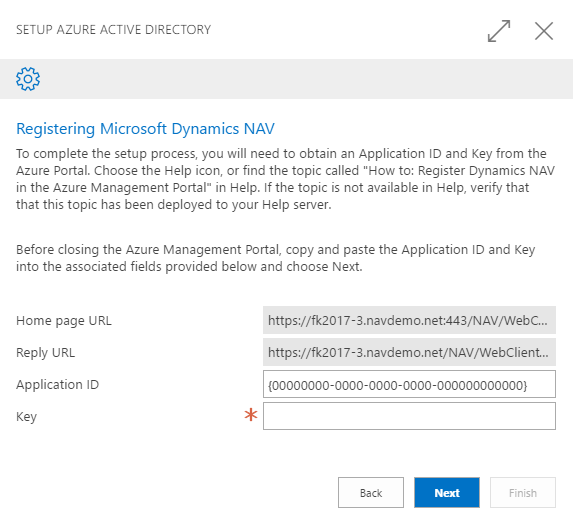
Note: Updated on November 16th with info on the Excel Add-In Note: Update on November 18th with info on PowerApps and Flow. The Microsoft Dynamics NAV 2017 Image on Azure has been live for a few weeks and I have received a lot of feedback that it is very hard to setup the new things in NAV, like: Outlook Add-in Excel Add-in Embedded PowerBI Microsoft Flow PowerApps Azure services etc. Indeed, you are right. It is very hard. especially when...
-
The Microsoft Dynamics NAV Image in the Azure Gallery
By now, we have had a Microsoft Dynamics NAV Image in the public Azure Gallery for 1-2 years and just last week, we shipped the Microsoft Dynamics NAV 2017 image and also the Microsoft Dynamics NAV 2016 Cumulative Update 13 is now available in the gallery. What is it? In essence, it is just a Windows Server 2012R2 with Microsoft Dynamics NAV and SQL Express pre-installed, but there is of course more to it than that. The Image also contains...
-
Connecting to NAV Web Services from the Cloud–part 5 out of 5
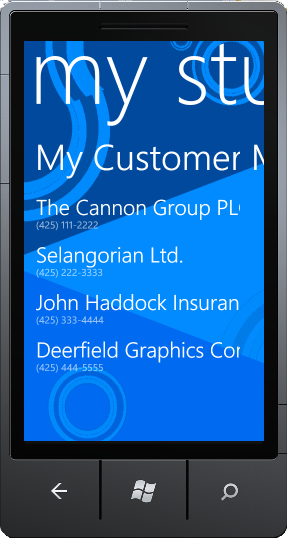
If you haven’t already read part 4 (and the prior parts) you should do so here, before continuing to read this post. In this post, I am going to create a small Windows Phone 7 application, which basically will be a phone version of the sidebar gadgets from this post. When we are done, your Windows Phone 7 will look like: During the other posts, I have been describing how to make the Proxy and one way of securing this....
-
Connecting to NAV Web Services from the Cloud–part 4 out of 5
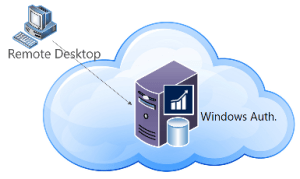
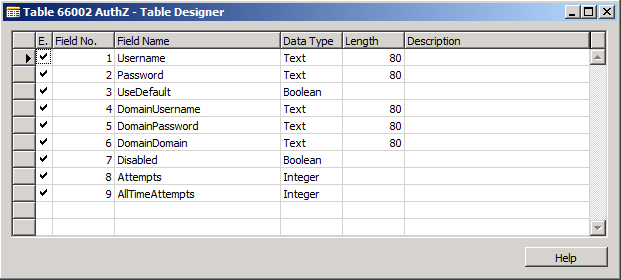
If you haven’t already read part 3 you should do so here, before continuing to read this post. By now you have seen how to create a WCF Service Proxy connected to NAV with an endpoint hosted on the Servicebus (Windows Azure AppFabric). By now, I haven’t written anything about security yet and the Proxy1 which is hosted on the Servicebus is available for everybody to connect to anonymously. In the real world, I cannot imagine a lot of scenarios...
-
Connecting to NAV Web Services from the Cloud–part 3 out of 5
If you haven’t already read part 2 you should do so here, before continuing to read this post. In part 2 I talked about how to connect to my locally installed NAV Web Service Proxy from anywhere in the world and towards the end, I promised that I would explain how the proxy was build. Problem was, that while writing this post I ran into a bug in the Servicebus – which was really annoying. The bug causes my service...
-
Connecting to NAV Web Services from the Cloud–part 2 out of 5
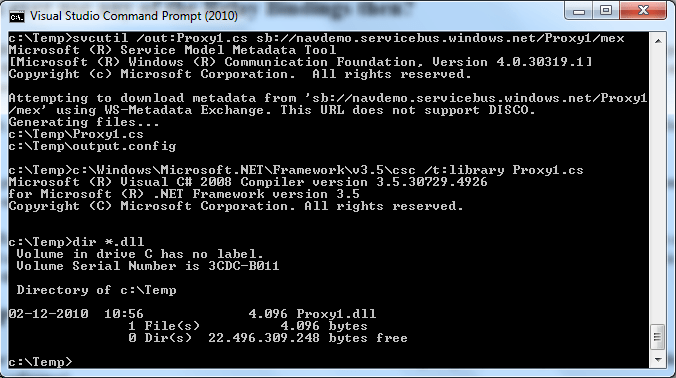
If you haven’t already read part 1 you should do so here, before continuing to read this post. In part 1 I showed how a service reference plus two lines of code: var client = new Proxy1.ProxyClassClient("NetTcpRelayBinding_IProxyClass"); Console.WriteLine(client.GetCustomerName("10000")); could extract data from my locally installed NAV from anywhere in the world. Let’s start by explaining what this does. The first line instantiates a WCF client class with a parameter pointing to a config section, which is used to describe bindings...
-
Connecting to NAV Web Services from the Cloud–Part 1 out of 5
My last post in January 2010 (here) talked about how to create a Proxy for connecting to NAV Web Services from outside the local intranet, by creating a local proxy and exposing this through the firewall to your DMZ. It still isn’t simple though and there are a lot of tasks to complete in order to make this work: Define the API which you need to expose to the external application – and create the internal proxy Decide what authentication...