GitHub
-
What is ALGoCtl?
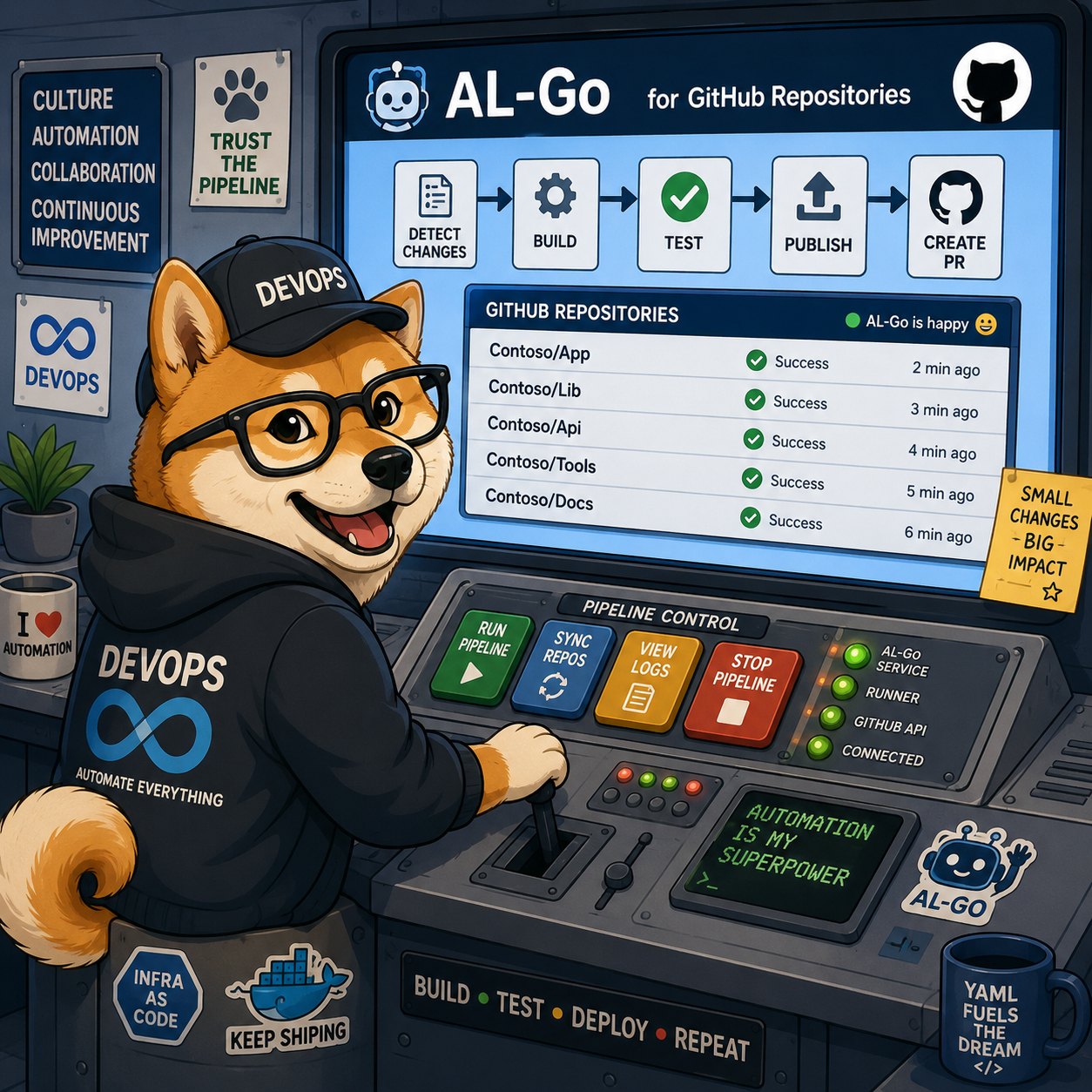
ALGoCtl is a small command line tool - AL-Go for GitHub Control CLI - that I have built to automate the things I keep doing by hand when working with AL-Go for GitHub repositories. It is open source and lives here: https://github.com/Freddy-DK/ALGoCtl. Right now it does three things: CreateRepo, UpdateRepo and CreateRelease. CreateRepo - create an AL-Go for GitHub repo based on a template. UpdateRepo - update AL-Go for GitHub system files based on a template. CreateRelease - create a...
-
New feature in Fkh: A KeyVault and secrets handling
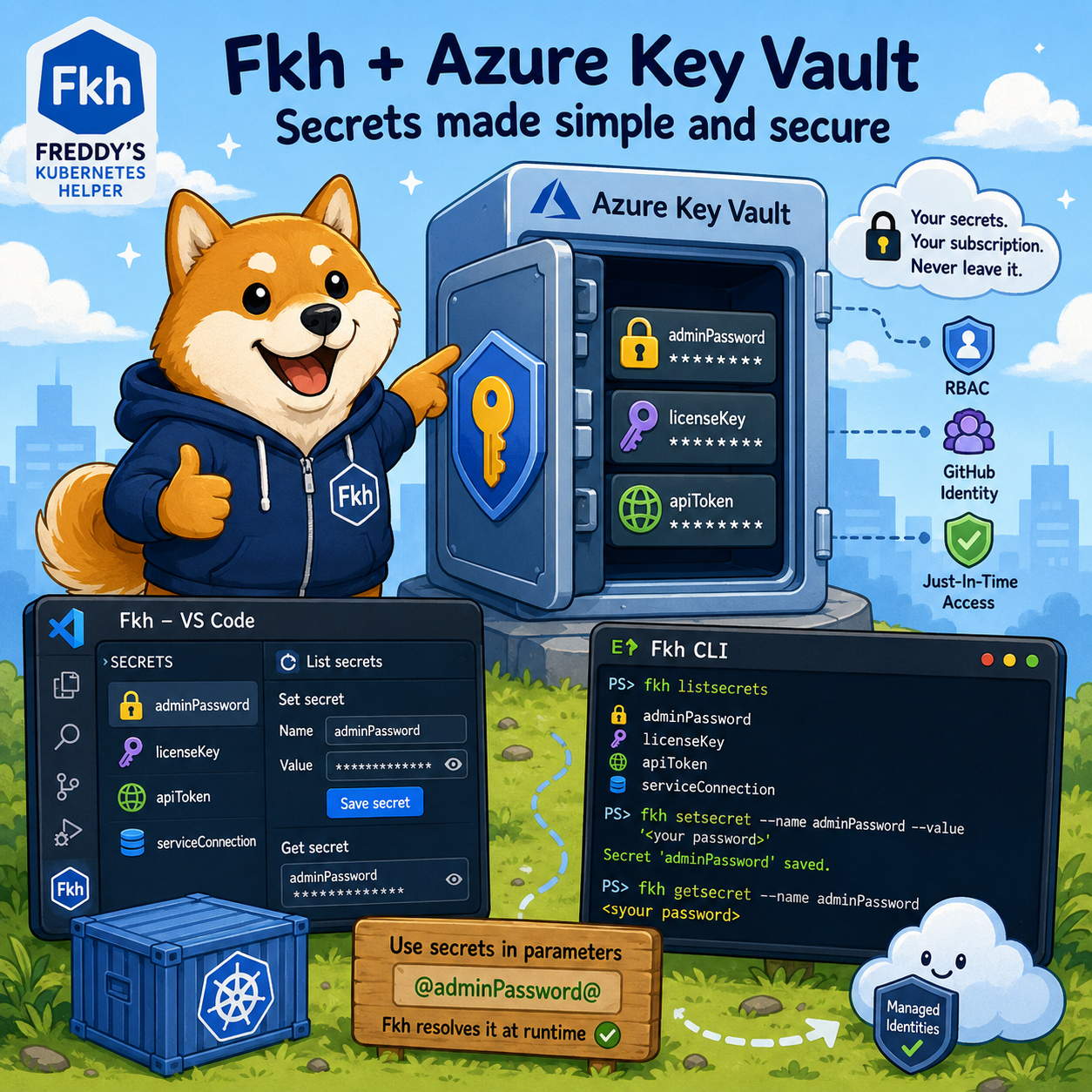
This post is about a new feature that lands when you update to the latest preview - a KeyVault of your own and proper secrets handling in Fkh. A KeyVault of your own Up until now, Fkh has been very deliberate about not storing humanly created secrets. As I described in The security model of Fkh, everything runs on managed identities, federated credentials and just-in-time access - and that principle hasn’t changed. What has changed is that there are situations...
-
The Fkh Web Client
In my previous post I showed how to open a terminal to one of your containers in Fkh - Freddy’s Kubernetes Helper. This post is about another one of the faces of Fkh - the Web Client. A web client? Really? At first glance it might seem a bit weird that Fkh has a web client at all. Most of the work happens in VS Code, some of it in the CLI - so why on earth would you need...
-
Accessing Fkh containers using a terminal
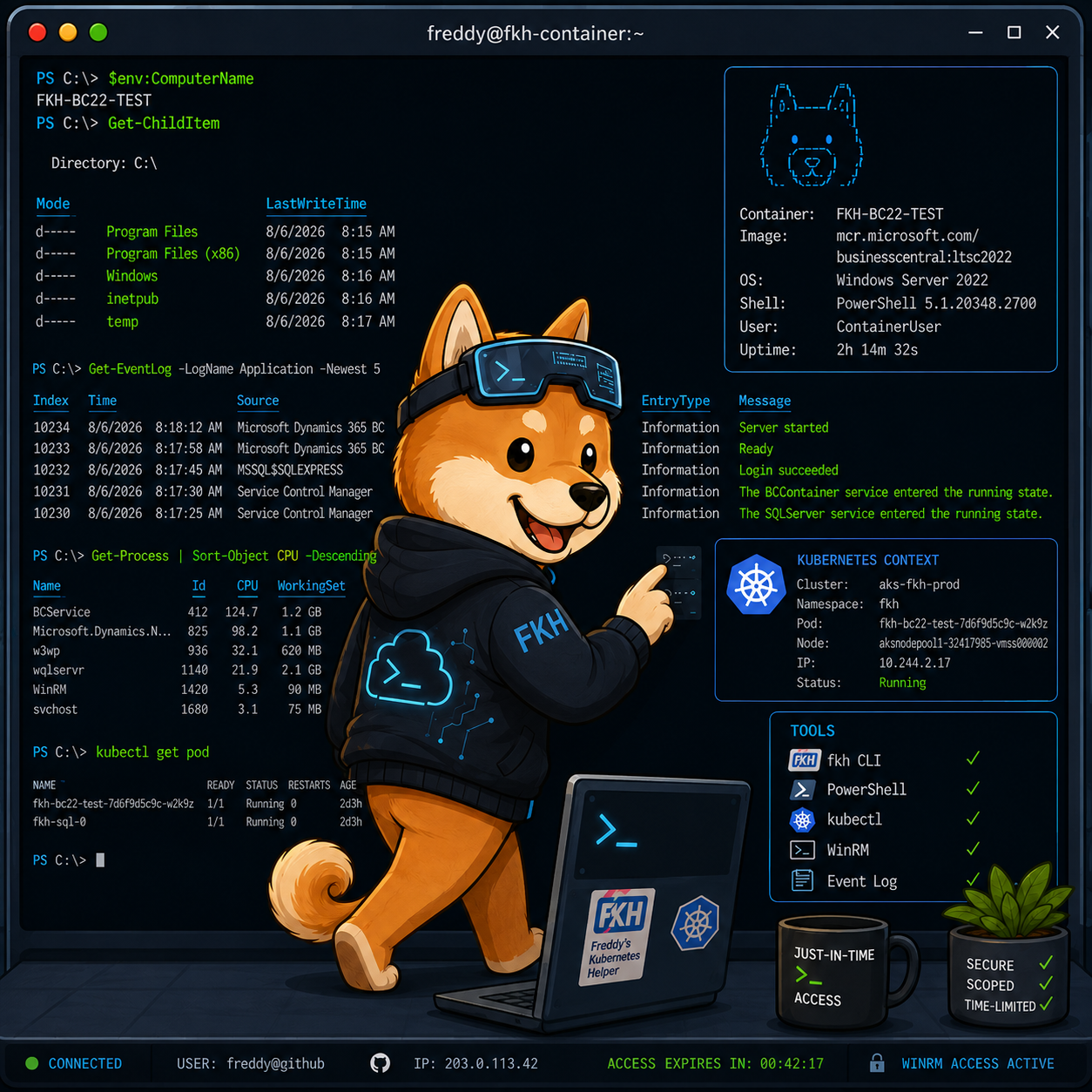
In my previous post I broke down what it costs to run Fkh - Freddy’s Kubernetes Helper. This post is about something more hands-on: how you open a terminal to one of your containers. Why you don’t have direct access to the container Just like the SQL Server we looked at in the just-in-time database access post, your Business Central containers run as pods inside the Kubernetes cluster in your own Azure subscription. They are not exposed to the public...
-
The price of running Fkh (Freddy's Kubernetes Helper)
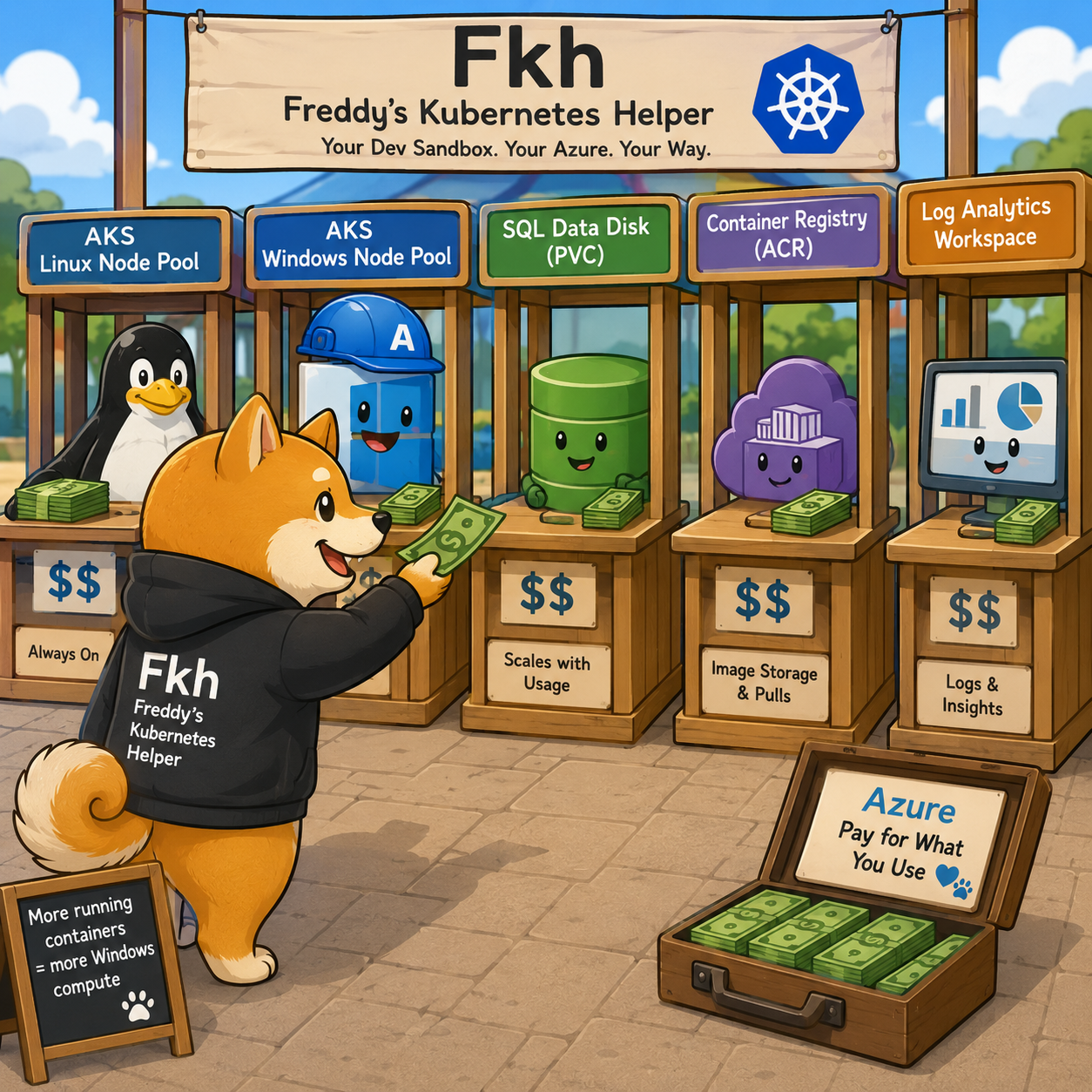
In my previous post I described the Fkh CLI. One question I get almost every time I show Fkh - Freddy’s Kubernetes Helper is: what does it cost to run? Since Fkh runs entirely in your own Azure subscription, the honest answer is “it depends on your usage” - but that isn’t very helpful, so this post breaks down exactly what has a cost attached, how each part scales as usage grows, and what a realistic monthly bill looks like...
-
File storage in Fkh (Freddy's Kubernetes Helper)
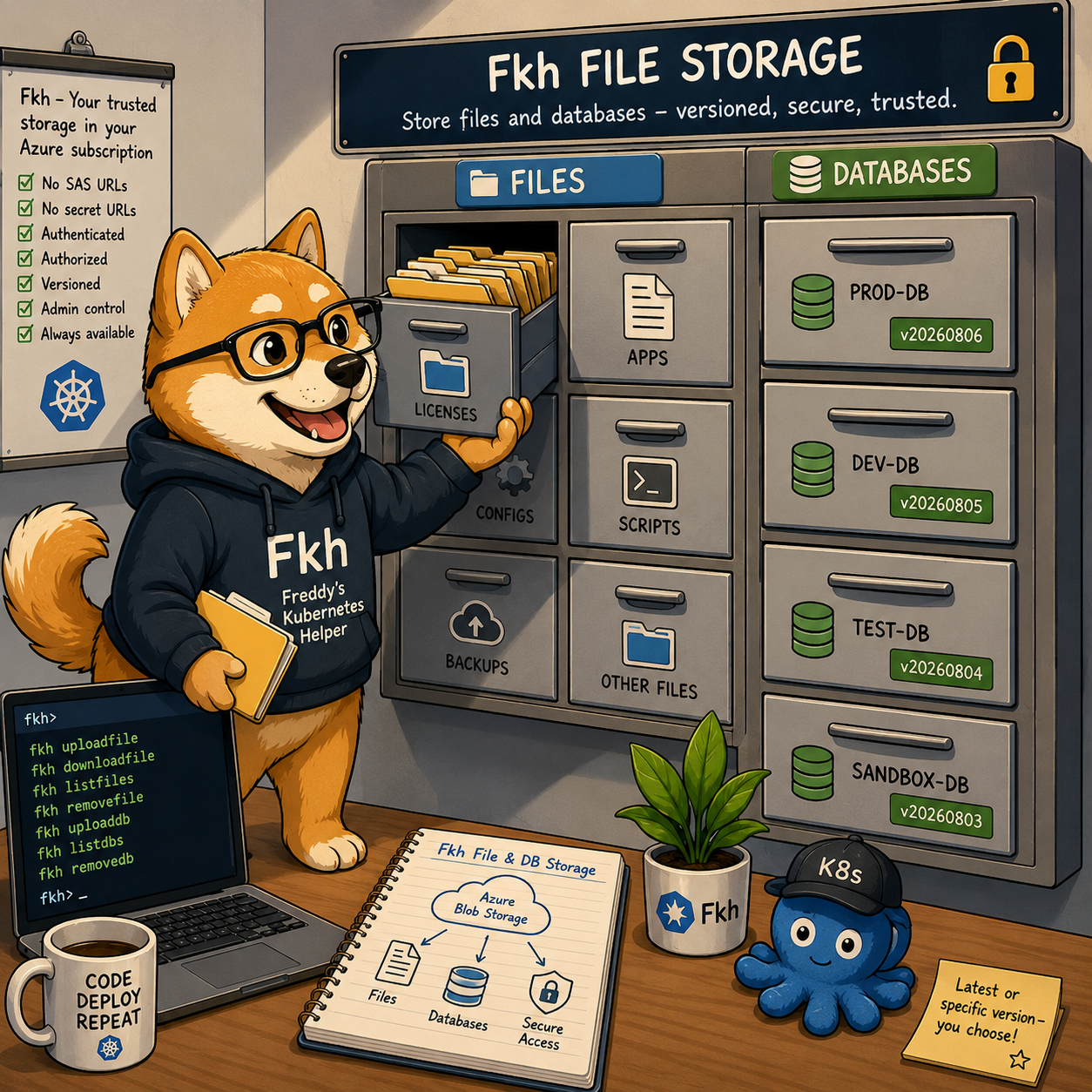
In my previous post I explained just-in-time database access in Fkh - Freddy’s Kubernetes Helper and promised to go into more detail about the file storage. This post does exactly that. The Fkh file storage basically gets rid of SAS URLs or secret URLs — you have a trusted file storage that you can access wherever you need it. Why file storage? When you work with Business Central containers, there are always files you need to have around - license...
-
The Fkh CLI (Freddy's Kubernetes Helper)
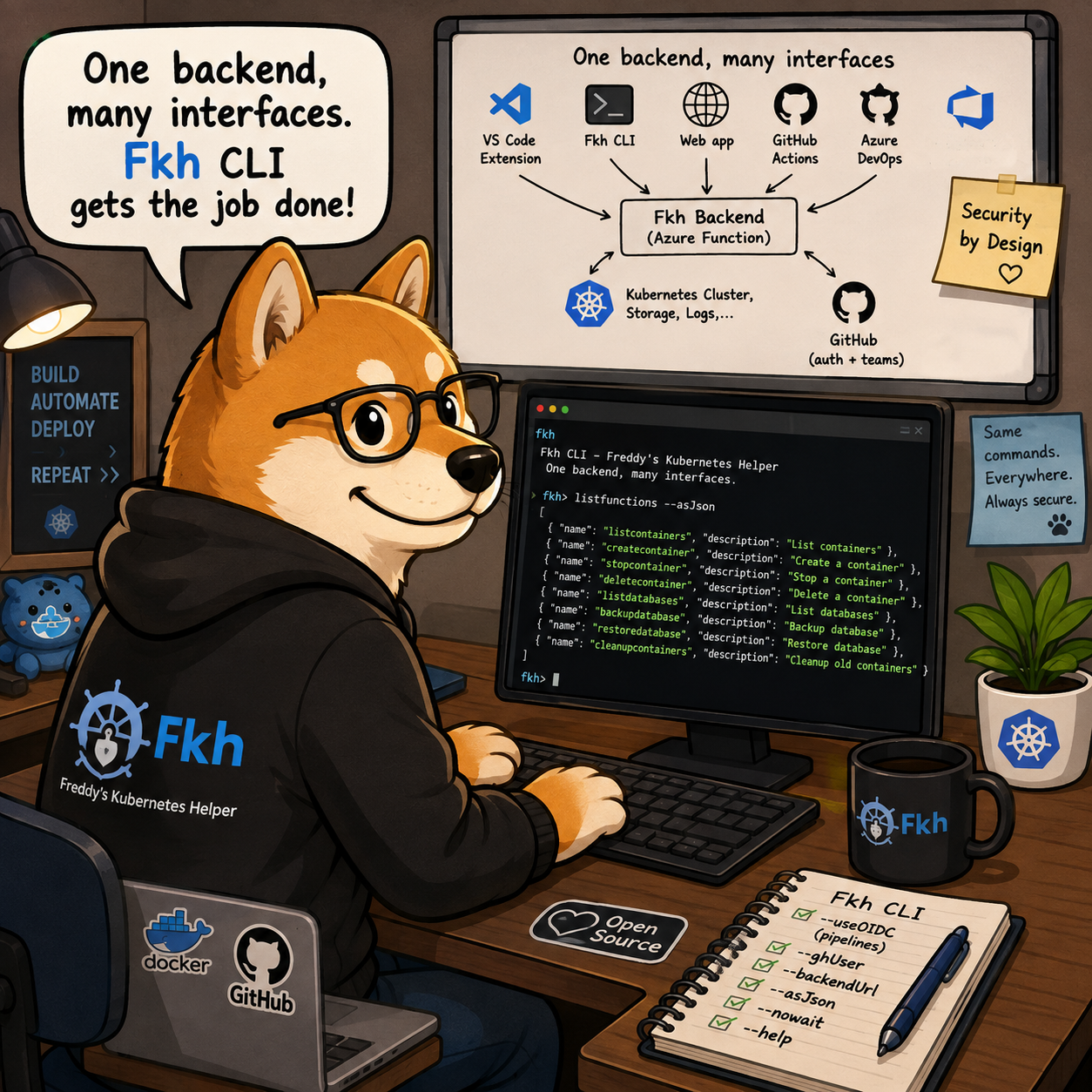
In my previous post I showed how to run backend commands from VS Code using Fkh - Freddy’s Kubernetes Helper. Obviously, VS Code is not the only frontend for Fkh, there is also a Web App and a CLI. Who knows, in the future, there might be other front-ends (MCP is one I have on my mind - for troubleshooting purposes). One backend, many interfaces The most important thing to understand about Fkh is that all the functionality lives in...
-
Just-in-time database access in Fkh (Freddy's Kubernetes Helper)
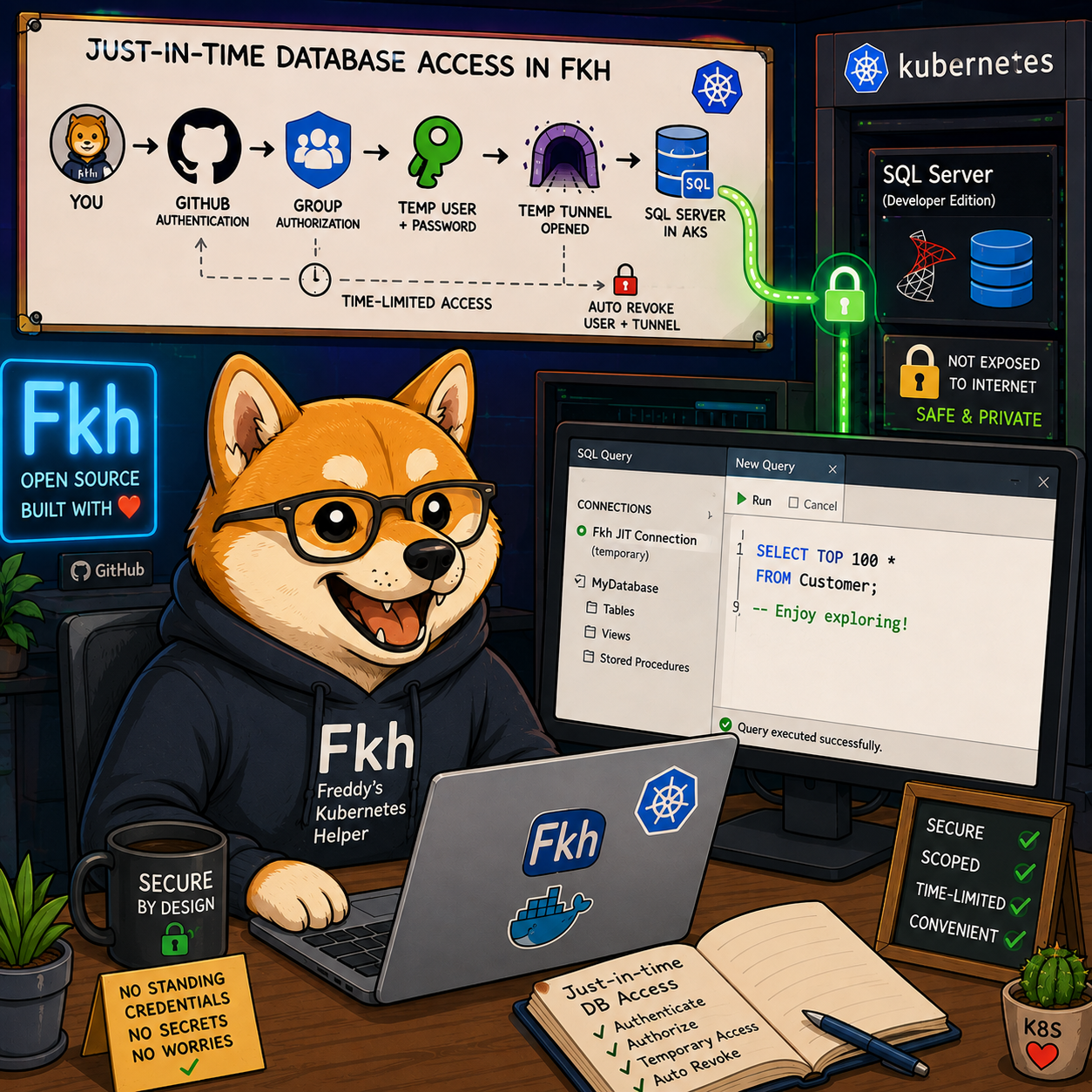
In my previous post I explained the security model of Fkh - Freddy’s Kubernetes Helper and why you can trust it for your development processes. In that post I briefly mentioned just-in-time database access. This post explains what that means and how it works. Why you don’t have direct database access As explained in the security model post, the databases for your containers live on a SQL Server (Developer edition) running inside the Kubernetes cluster in your own Azure subscription....
-
The security model of Fkh (Freddy's Kubernetes Helper)
In my previous post I explained how it looks when working with containers in VS Code using Fkh - Freddy’s Kubernetes Helper. This post will explain about the security model of Fkh and why you can trust it for your development processes. It’s all yours First of all, Fkh is not hosted by me or any other organization. When using Fkh, it is hosted in your own Azure subscription and your data never leaves your subscriptions. Secondly, Fkh is Open...
-
Creating Containers in VS Code using Fkh (Freddy's Kubernetes Helper)
In my previous post I introduced Fkh - Freddy’s Kubernetes Helper and explained the what and the why. This post is all about the how - specifically, how you create your first Business Central container with Fkh. Prerequisites Before you can create your first container, you need to install and setup Freddy’s Kubernetes Helper (Fkh). You can find the installation guide here Beside that, you need to install the Fkh VS Code Extension, found here or if you are using...
-
What is Fkh (Freddy's Kubernetes Helper)
If you have followed my work over the years, you know that I have spent a lot of time making it easier for people to run and develop Business Central in containers. First with Business Central on Docker, then with NavContainerHelper and BcContainerHelper. Those tools have served the community incredibly well - but the world has moved on, and it is time for something new. That something new is Fkh - Freddy’s Kubernetes Helper. Why did I create Fkh? There...
-
The future of Development...
Development has gotten so much easier over the last couple of years. AI has changed the game completely. Innovative and bright minded developers can now write apps - or entire solutions - in days, if not hours. Things that used to take weeks or months of work can now be created over a weekend. That is amazing… but it is also a bit of a problem. When everybody can build a solution to almost anything in no time, it becomes...
-
How I moved my blog from WordPress to GitHub (the details)
In my previous post I told you that I moved this blog from WordPress to GitHub. A few people asked me how, so here is the longer, more technical version – written the way I like my blog posts: so you can go and do the same yourself. Spoiler: I didn’t do most of the typing. I described what I wanted to an AI agent (Fable 5, running in Claude Code), and it did the heavy lifting – reading my...
-
AL-Go for GitHub Enterprise
GitHub.com is the standard multi-tenant public platform where anyone can host personal or org repos, public or private. GHE.com refers specifically to GitHub Enterprise Cloud with data residency — a separate product tier where your enterprise gets its own dedicated subdomain (e.g., octocorp.ghe.com) instead of living on github.com/octocorp. The Challenge At this time, AL-Go for GitHub doesn’t work on GHE.COM enterprises, but there might be a solution for this ahead. I was contacted by Fellowmind in Sweden, who wanted to...
-
Preview of future AL-Go for GitHub functionality
Like everything else these days, AL-Go for GitHub now also is available in a preview version, which you can install/apply and remove as you like. This allows you to get advantage of a bugfix or new functionality faster. NOTE that when using the AL-Go preview version, you will have to update the AL-Go system files when you are told to, changes to the AL-Go actions might cause your version of the workflows to fail if not updated. The template repository...
-
Structuring your AL-Go for GitHub repositories
When developing apps for Business Central, you very frequently will have more than one app. You might split one customer specific app into multiple smaller apps or you might have a common app, which contains common functionality for all your customer specific or AppSource apps. This blog post describes the thinking behind AL-Go for GitHub and how we recommend you setup your GitHub repository structure and why… High Level Use the shipping vehicle to determine the repository/project structure. On a...
-
AL-Go for GitHub
It has been a while since my last blog post and the reason behind this is quite simple: I have been busy. Busy creating AL-Go for GitHub. AL-Go for GitHub is plug-and-play DevOps for Business Central PTEs or AppSource apps on GitHub. A tool, which does NOT require you to modify PowerShell scripts, change .yaml workflows or pipelines, but still allows you to setup and maintain full DevOps for your Business Central projects with a click of a button. AL-Go...